• Skip to primary navigation
  • Skip to main content
  • Skip to primary sidebar
  • Skip to footer

Sheila Cantonwine

  • Home
  • About Me
  • Blog
    • 4th Grade Math
    • 5th Grade Math
    • 6th Grade Math
    • Back to School
    • Boom Cards
    • Classroom Organization
    • Digital Resources
    • Holidays
    • Math Test Prep & Review
    • Summer Math
    • Teacher Self Care
  • Shop
    • Teachers Pay Teachers
    • Amazon
    • Boom Learning
  • Affiliates
  • Contact
  • Navigation Menu: Social Icons

    • Email
    • Facebook
    • Instagram
    • Pinterest

Classroom Organization

Tips and Tricks for Editing a Digital Calendar and Planner

June 11, 2023 by Sheila Cantonwine

Tips ad Tricks for Editing a Digital Planner and Calendar

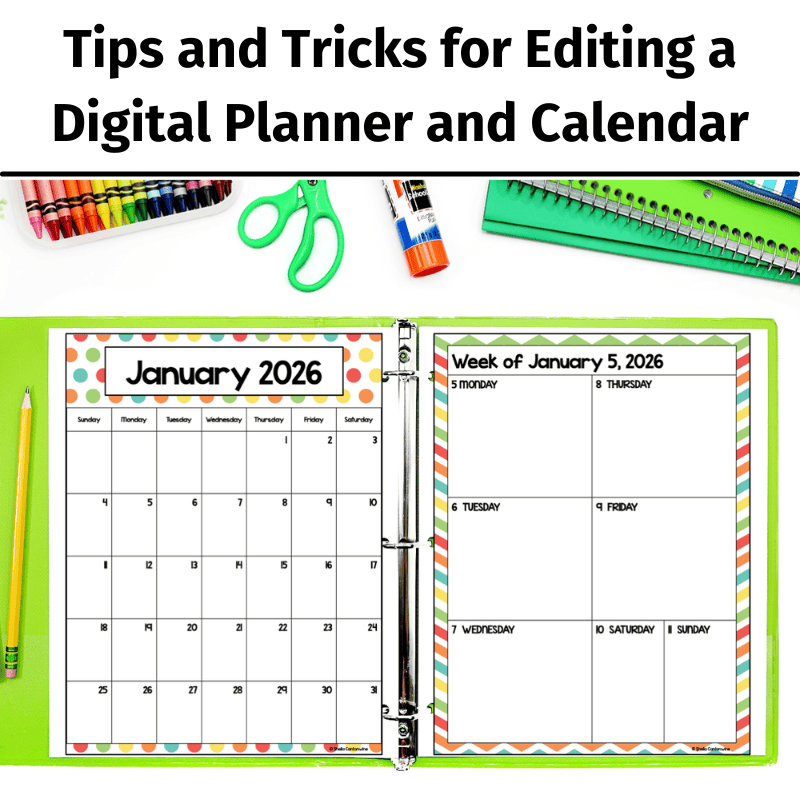
Welcome to our blog post, where we dive into the world of digital calendars and planners and share valuable tips and tricks on how to edit them. Whether you’re a teacher looking to enhance your classroom organization or someone who wants to optimize their scheduling system, we’ve got you covered. In this engaging video, we’ll walk you through everything from mastering PowerPoint to seamlessly uploading and customizing digital planners on Google Slides. Get ready to unlock the full potential of your digital organization tools! I hope you enjoy these tips and tricks for editing a digital calendar and planner.

If you’re interested in the calendar and planner featured in this video: Check it out in my Teachers Pay Teachers store.

Tips and Tricks for Editing a Digital Calendar and Planner

Here are some key parts of the video in case you want to skip around:

1:56 – Uploading Files to Google Drive
3:57 – Using the Calendar in PowerPoint
5:05 – Inserting and Editing Text for All Seven Layouts
17:53 – Holidays
18:22 – Printing
20:40 – Changing the Margins to Accommodate for Hole Punches
23:39 – Binder Covers and Matching Spine Labels
26:51 – Attendance and Grading
37:40 – Curriculum Maps
39:24 – Other Helpful Forms

Why should I use a digital planner in my classroom?

Digital planners and calendars have become indispensable tools for teachers seeking to streamline their classroom management and organization. With digital planners, educators now have the power to revolutionize their planning process, which creates a more efficient learning environment.

One of the key advantages of using digital planners and calendars in the classroom is the ability to access and update them from anywhere, at any time. Whether you’re at school, at home, or on the go, your digital planner is just a few clicks away. This allows you to stay on top of your teaching responsibilities effortlessly.

Another significant benefit of digital planners and calendars is the ease of customization they offer. With a few simple clicks or taps, you can personalize your planner to suit your unique teaching style and preferences. From color-coding different subjects and activities to setting up reminders and notifications, the flexibility of digital tools empowers you to design a calendar that works best for you and your students.

Moreover, digital planners and calendars foster collaboration and communication within the classroom. You can easily share your calendars with students, parents, and colleagues, ensuring everyone stays informed about upcoming assignments, assessments, and events. This promotes transparency, encourages engagement, and helps build a strong sense of community within the educational ecosystem.

In conclusion, incorporating digital planners and calendars into your classroom routine can be a game-changer for educators. The convenience, customization options, and collaborative features make them invaluable tools for organizing your teaching life and enhancing the learning experience for your students. So why not embrace the digital revolution and take your classroom management to new heights?

You might also be interested in 3 Ways to Plan Lessons with Digital Planners.

Filed Under: Back to School, Classroom Organization Tagged With: digital calendar, digital planner, editing a digital calendar, editing a digital planner

Creating Editable Classroom Decor Products To Sell On TpT

September 28, 2022 by Sheila Cantonwine

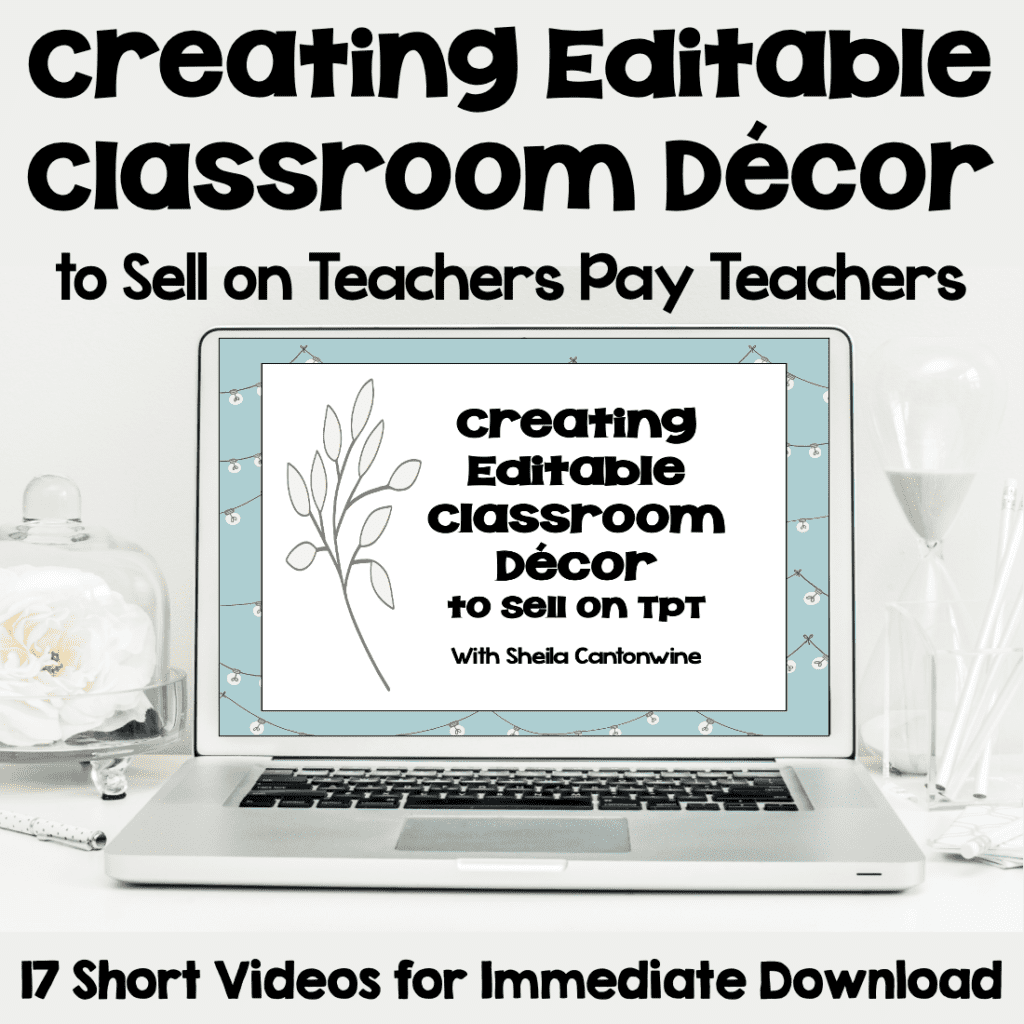
Creating Editable Classroom Decor Products to Sell on TpT

I love creating editable classroom decor products to sell on TpT. As a math teacher, I have few opportunities to be creative with my resources. Creating decor is really fun and lets me be creative.

Plus, resources like name tags, labels, binder covers, and calendars are some of the best sellers in my store. Unlike math resources, they can be used for multiple grade levels too. They sell well for the summer months in anticipation of returning to school. Plus, they usually have a nice bump in sales at the beginning of the year when schools in Australia and New Zealand head back. Here are the steps I take in creating editable classroom decor products to sell on TpT.

Step 1 – Choosing Your Papers, Clipart, and Accents

This is the fun part. I love looking through design products on both Teachers Pay Teachers (TpT) and Etsy. There are so many gorgeous digital papers, clipart, and accents to choose from. Certain colors do better with different age levels. For example, bright colors work well for elementary students, and more muted or calming colors work well for upper elementary or middle school. Also, remember that a teacher will most likely keep the decor in the classroom all year, so it should be pleasing to the eye.

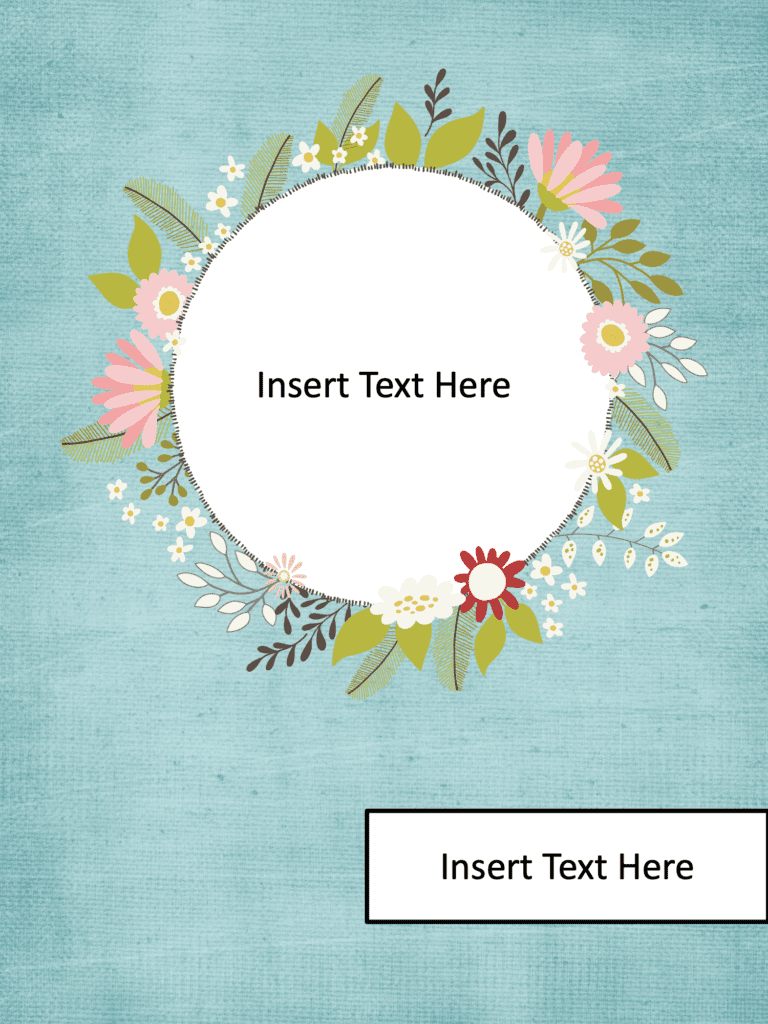
Editable Binder Covers in Woodland Forest

Step 2 – Adding Design Elements

This is where the fun begins. After choosing your papers, clipart, and accents, you create the decor. I love using different combinations of papers, accents, and clipart to create my resources. I sometimes even create my own matching background papers to match specific clipart that I love. For example, with these binder covers on the right, I combined a paper pack, frame, and clipart to create the final look.

Step 3 – Saving the File and Flattening the Design Elements

This is definitely the most important part of the process. Once you create the designs, you must secure or flatten the images. This means the digital paper, clipart, frames, and other accents need to be in one single layer. When you do this, you make sure that individual pieces of the decor like clipart can’t be lifted from your resource. I prefer to use Flat Pack to secure my images, but you can also use PowerPoint too. Flat Pack comes in 2 versions: Flat Pack for Mac (affiliate link) and Flat Pack for PowerPoint (affiliate link), so make sure you purchase the correct version.

Want to Learn More?

Course on Creating Editable Classroom Decor

If you’re interested in learning more about how to create editable products, check out my course on Creating Editable Classroom Organization and Decor Products to Sell on TpT. It includes 17 easy-to-follow videos that walk you through all the steps.

You might also be interested in my blog posts on Creating Uncover the Picture Boom Cards.

Filed Under: Back to School, Classroom Organization, Courses Tagged With: creating editable binder covers, creating editable classroom decor, Creating editable decor, creating editable name tags, making editable binder covers, making editable name tags

My Favorite Money Saving Amazon Finds for Teachers

June 11, 2022 by Sheila Cantonwine

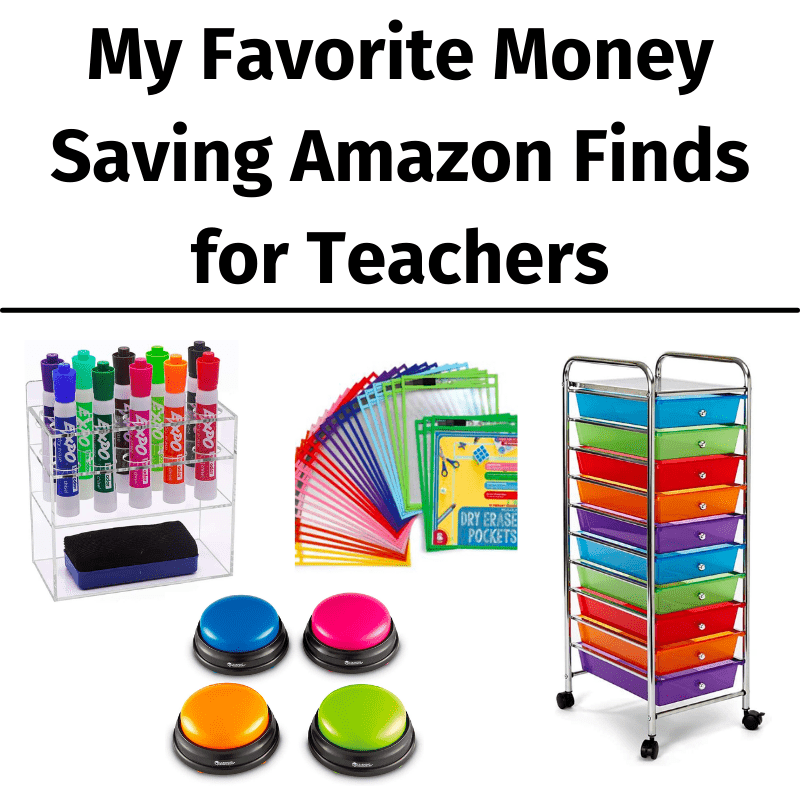
Amazon is a great way to shop for back-to-school or classroom supplies. The prices are amazing, they regularly have sales and coupons (look for “Today’s Deals”), and everything is shipped straight to your door. For things I use often, I even sign up for their subscribe and save program which gives even more savings. Plus, it’s easy to return items. Here are My Favorite Money Saving Amazon Finds for Teachers.

This post contains affiliate links.  As an Amazon Associate, I earn from qualifying purchases.

My Favorite Money Saving Amazon Finds for Teachers

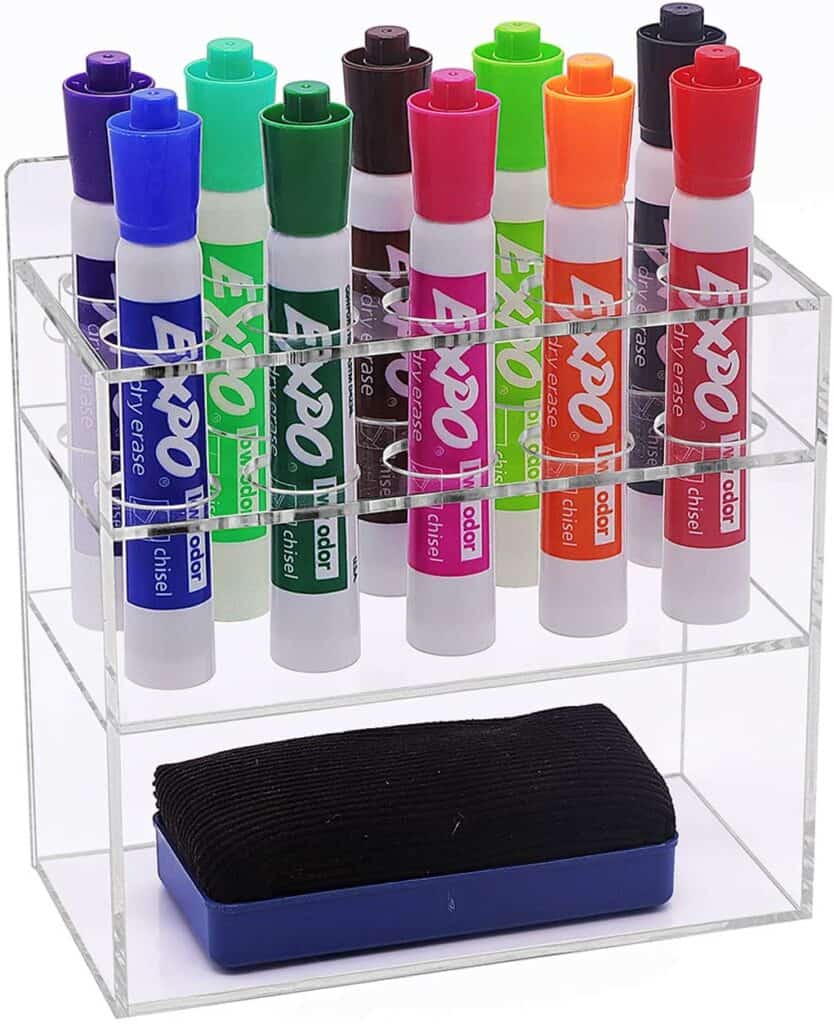
1. Acrylic Dry Erase Marker Holder

This is perfect for storing your dry erase markers and eraser. I suggest using magnetic tape so that it can be attached to your whiteboard and be moveable. You can also have it free-standing on your desk, a nearby table, or mounted to any wall. Perfect for making your Expo markers easy to find when you need them. It comes with screws and adhesive to make it easy to mount.

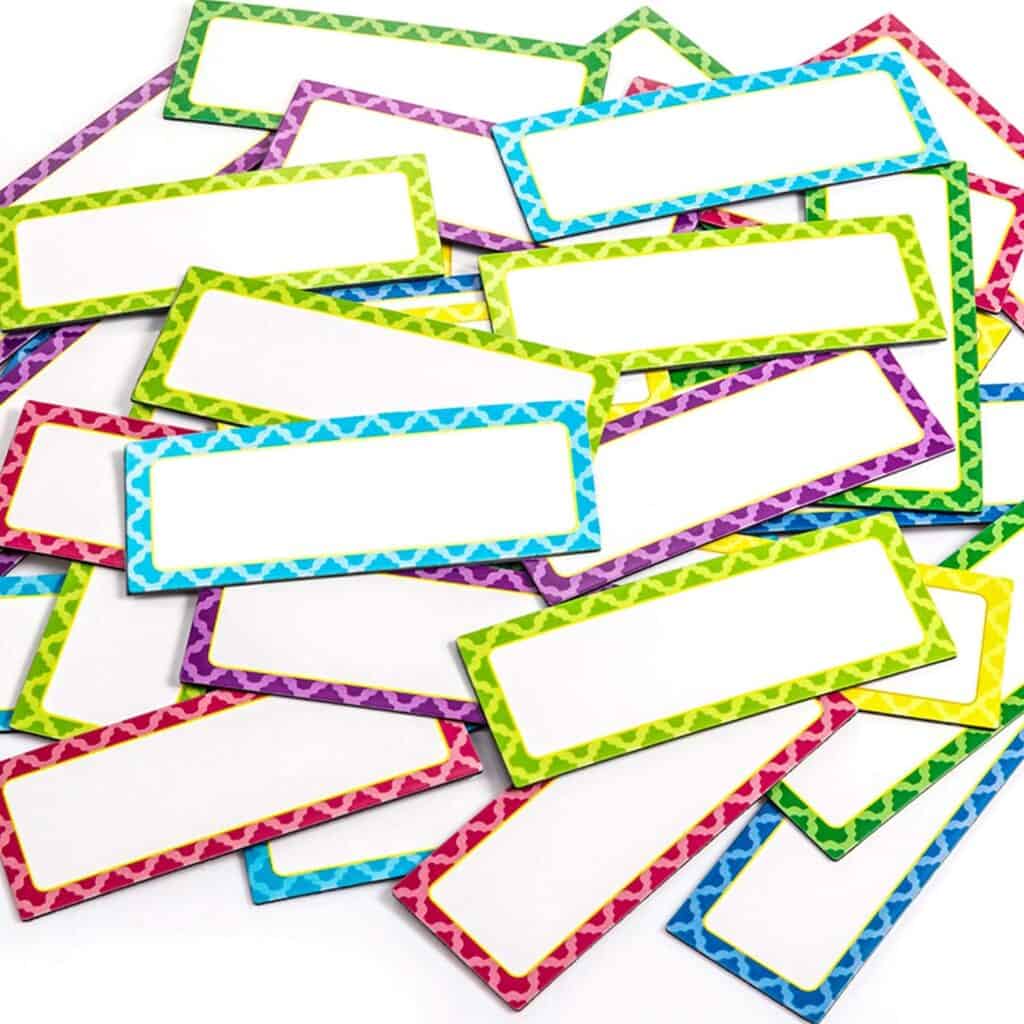
2. Magnetic Dry Erase Labels

Magnetic dry erase labels

I love these magnetic labels for classroom decor and organization. They come in 8 different colors to brighten any classroom and there are 40 of them which give you lots of options. They’re also great for student cubbies or lockers, centers, filing cabinets, bulletin boards, morning attendance and lunch, behavior charts, nameplates, or the refrigerator. The surface is dry erase so you can use your Expo markers to write, erase, and rewrite as many times as you need.

My Favorite Money Saving Amazon Finds for Teachers

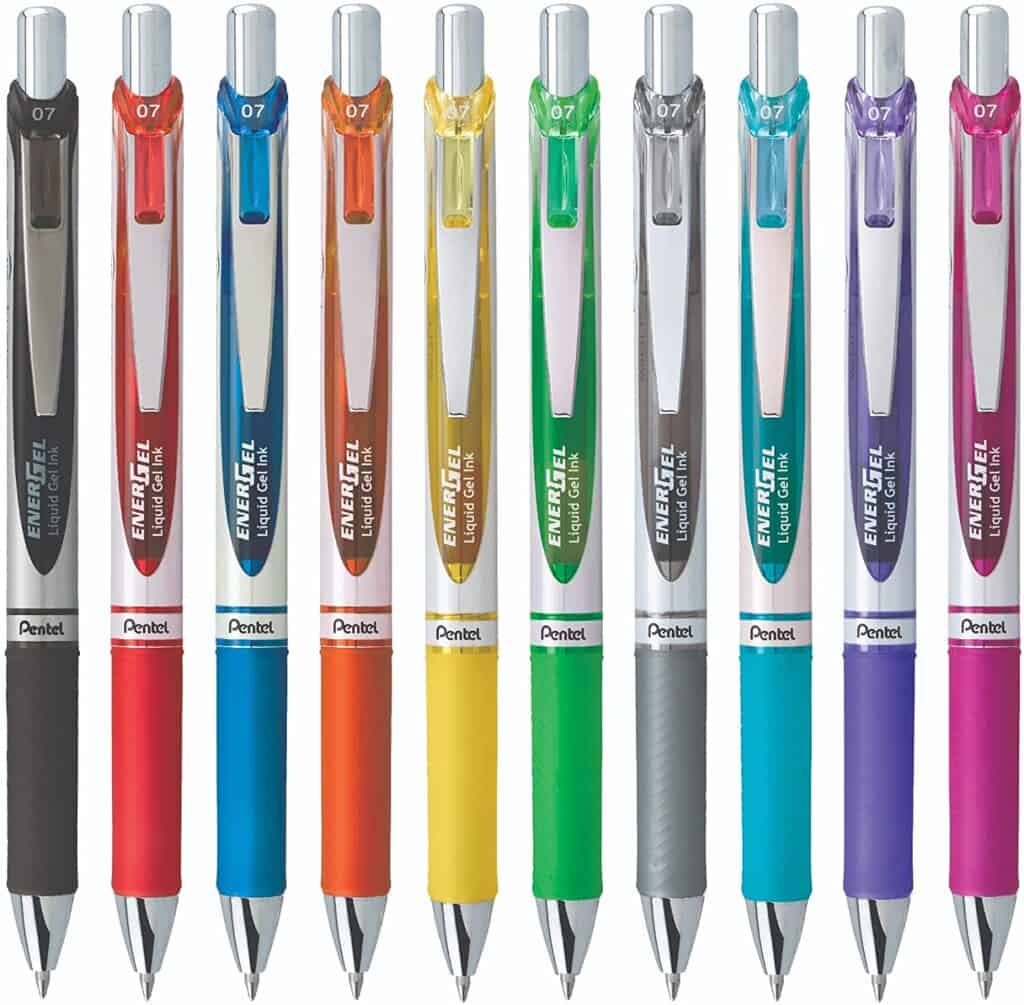
3. Gel Pens

I have so many teacher friends who love using Flair pens, and I do sometimes, but these gel pens are my favorite go-to pen for grading papers and writing in general. I love all the different colors to choose from and the writing is so smooth. I also love that they dry really fast and don’t smear or glob like other pens sometimes do. Plus, they last a long time. They are one of my Favorite Money Saving Amazon Finds for Teachers.

storage bins for the classroom

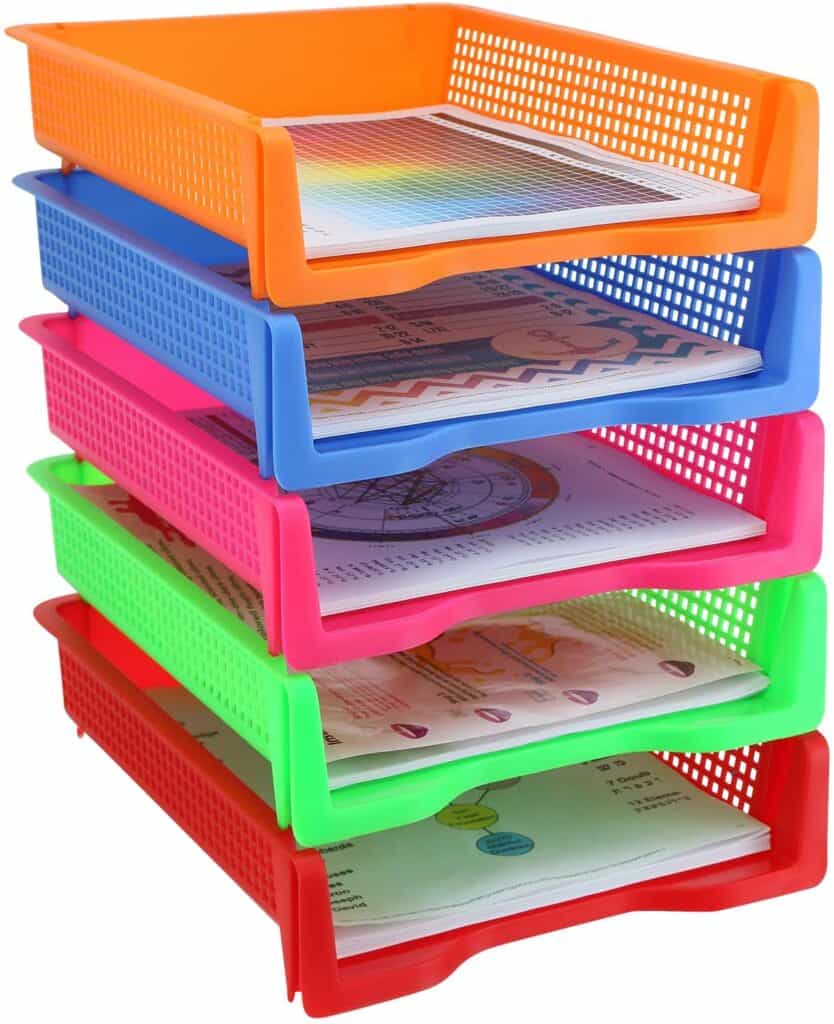
4. Stackable Paper Storage

If you use a lot of printables, worksheets, or handouts in your classroom, this stackable paper storage is great for that. They come with 5 different bins, each a different color, making it easy to store your worksheets for each day of the week. If you teach middle school or different classes, you could also use each color for that. They hold 8 1/2″ by 11″ paper so you can really use them for any type of paper stored in your classroom. They also come in solid grey if you prefer that.

My Favorite Money Saving Amazon Finds for Teachers

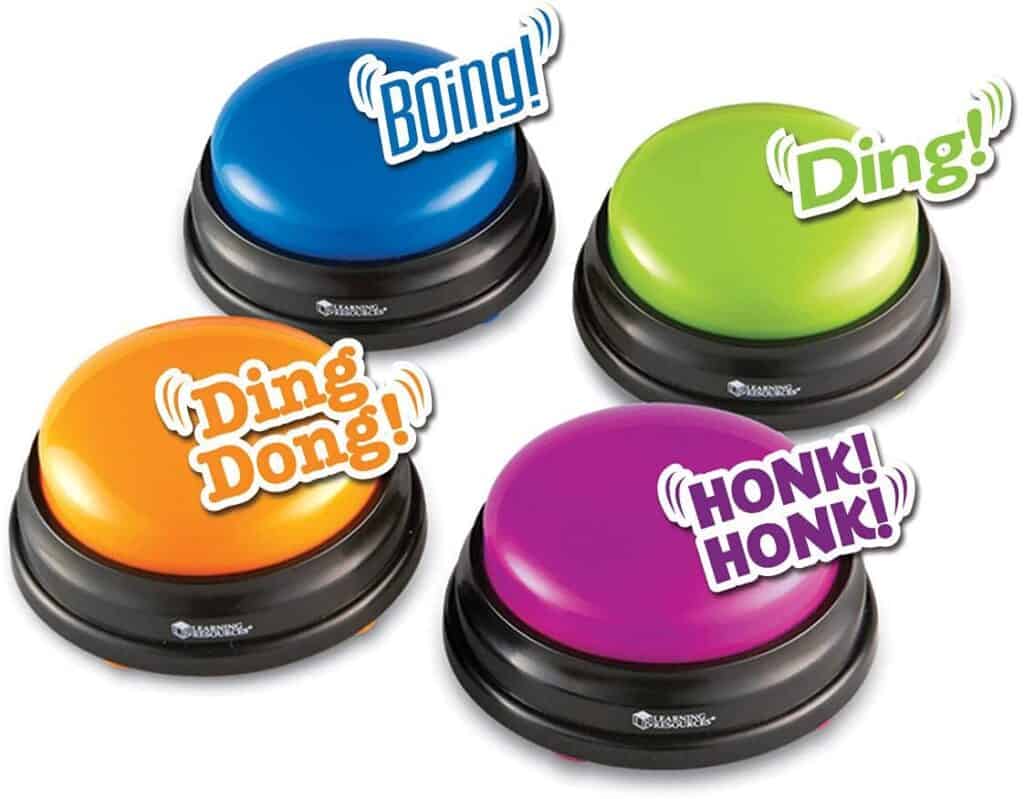
5. Answer Buzzers for Classroom Games

Your students will love using these answer buzzers for classroom games. Each color comes with its own unique buzzer sound so it’s easy to tell who is ready to answer the question. These would be so much fun so Jeopardy-like games or Family Feud. Your students will have so much fun they’ll forget they’re doing schoolwork.

Calculator or cell phone storage for classrooms.

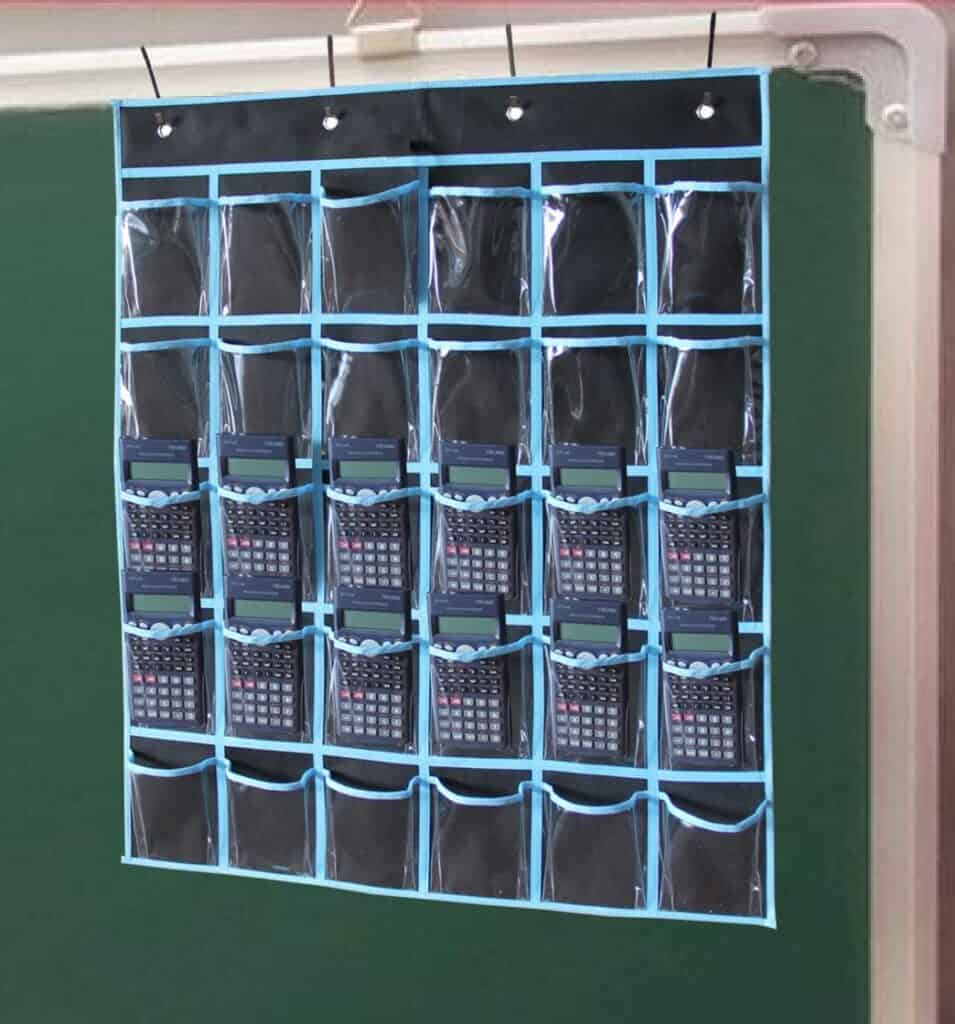
6. Calculator or Cell Phone Storage

These hangable pockets are perfect for storing calculators or cell phones in your classroom. They’d also be great for art supplies like glue sticks, markers, crayons, or scissors. It comes with 30 pockets and they’re transparent making it easy to see what you’re looking for. They’re easy to clean with a wet towel and can be used year after year. There are 4 metal hooks on the top to hook to your whiteboard or classroom door.

My Favorite Money Saving Amazon Finds for Teachers

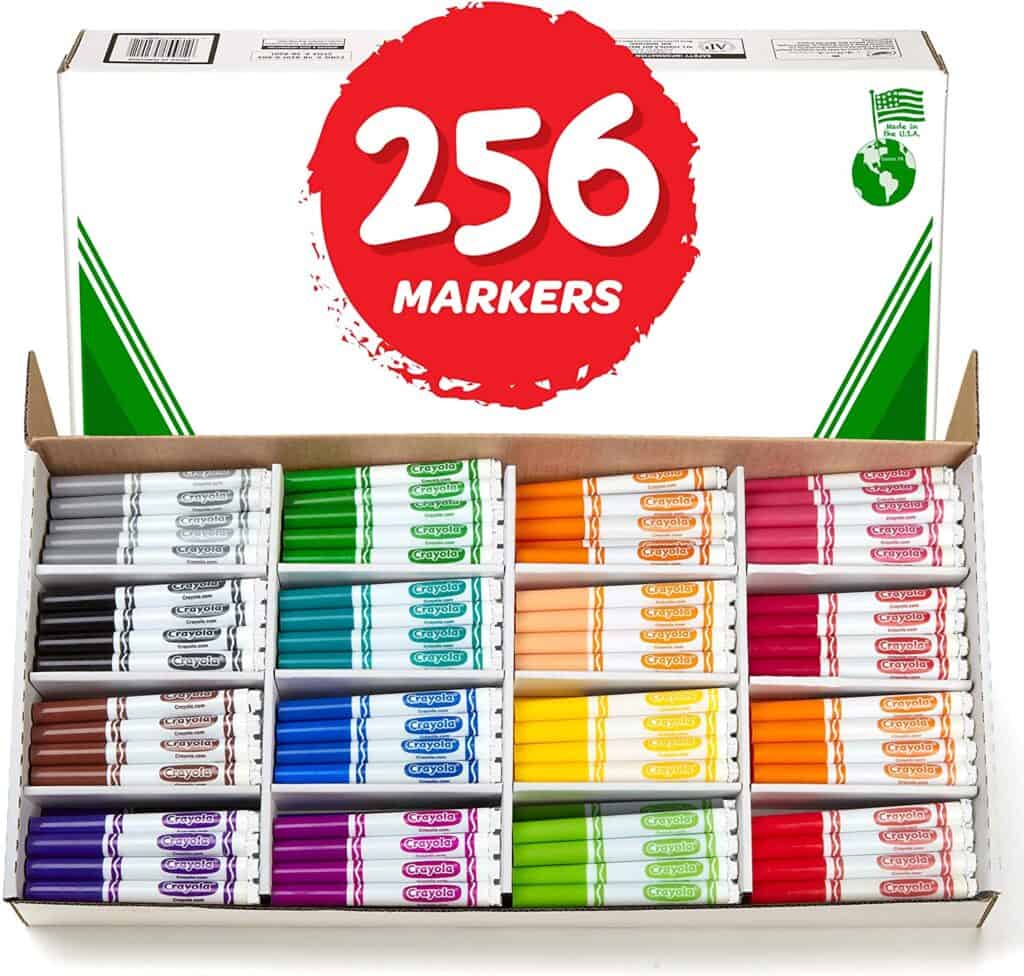
7. Classroom Pack of Crayola Markers

These markers are such a good deal on Amazon! The price changes sometimes but they’re generally really inexpensive for 256 markers. I love that they have 16 different colors and that they come in this great box for storage. You could also use the hangable pockets above for storage or storage containers too. So helpful for classroom teachers and one of my My Favorite Money Saving Amazon Finds for Teachers.

sticky notes for classrooms

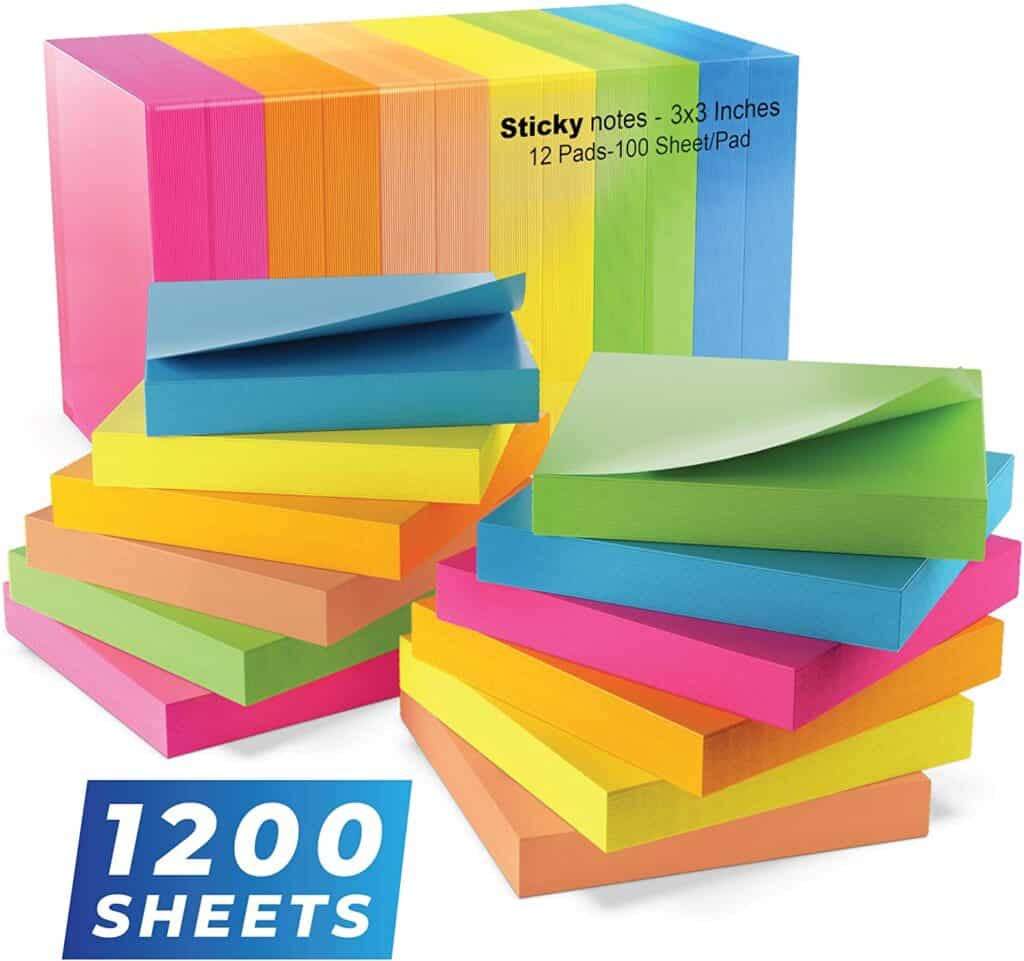
8. Sticky Notes

I use sticky notes for everything! I especially like when they’re different colors so I can color code things. I love the bright colors and love that they come with 1200 in this pack. In addition to using them to help keep organized, there are also lots of ways you can use them with your students. For lots of ideas on how to use sticky notes in your classroom, check out this article on 25 Ways to Use Sticky Notes in the Classroom.

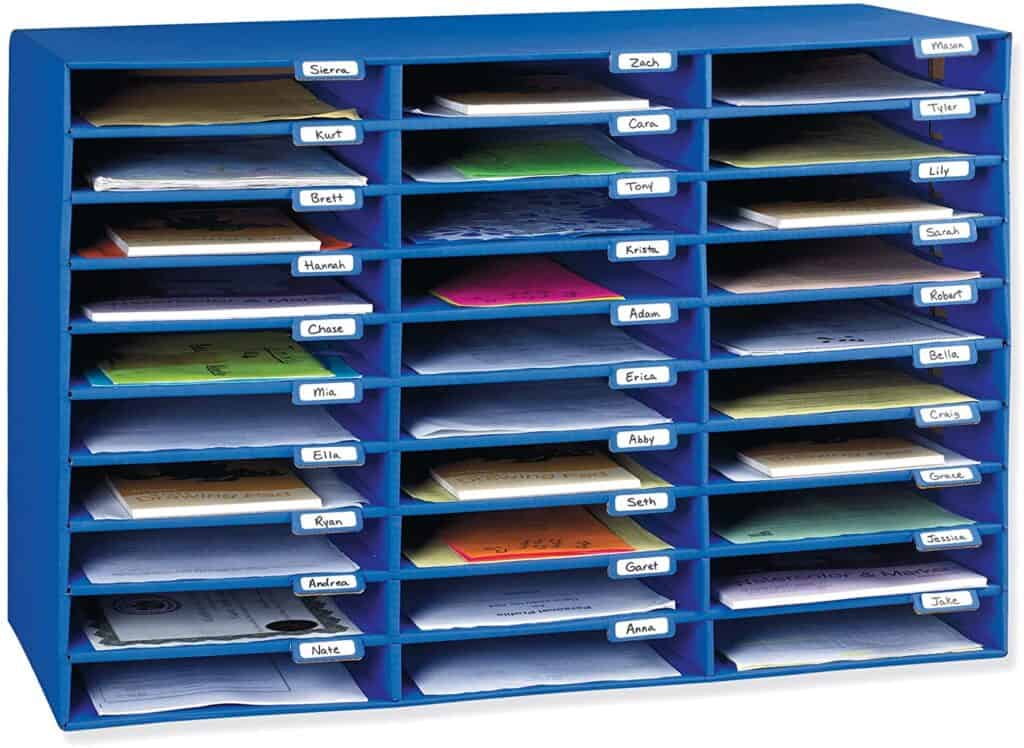
9. Classroom Mailbox

My Favorite Money Saving Amazon Finds for Teachers

If you have a lot of student papers to organize, using this classroom mailbox system is a great way to do it. You can choose either 10, 15, or 30 slots depending on the size of your class. Tabs are included on each slot for you to write student names. Perfect for student papers, notebooks, workbooks, or folders. You can even use these to distribute papers and then have students stuff their own folders when you’re done. These are also great for storing colored papers, lined paper, graph paper, and copier paper.

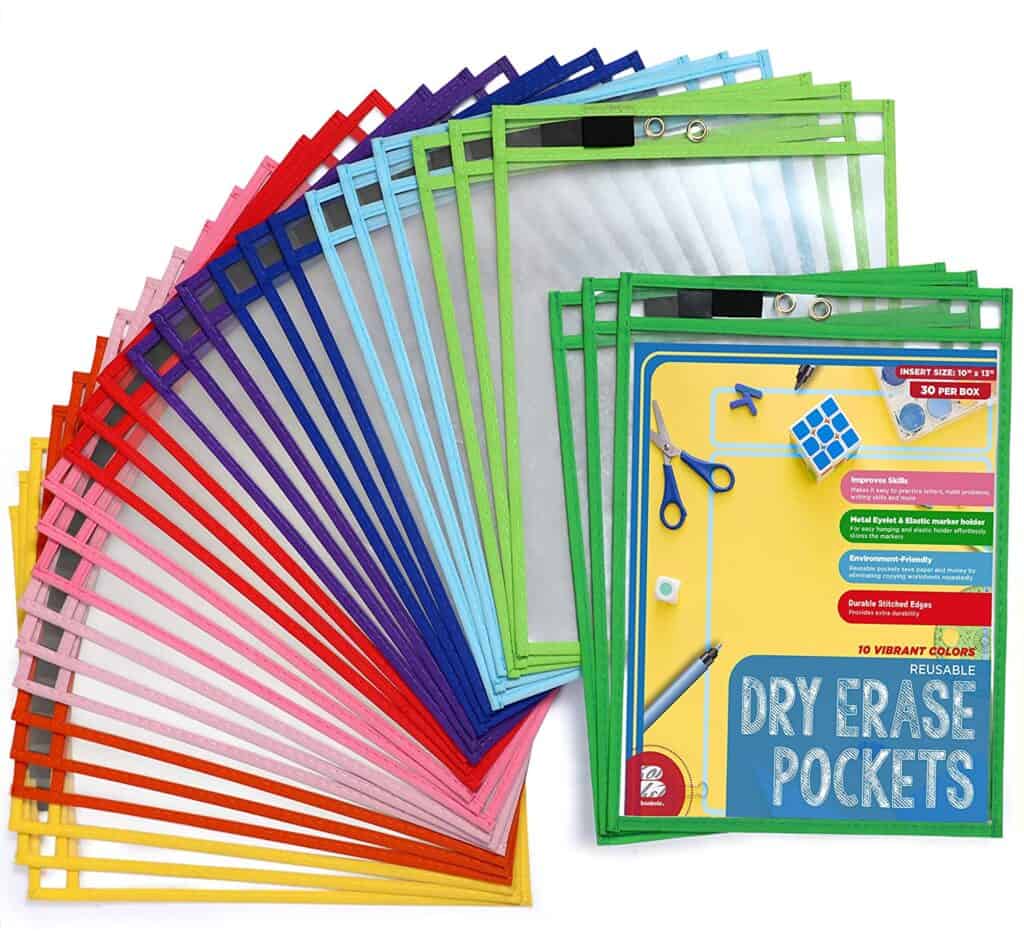
10. Dry Erase Pockets

dry erase pockets for the classroom

Dry erase pockets are great for so many different things. They’re great for tracing letters and numbers and practicing math facts. You can also use them as individual white boards by just slipping a piece of white paper inside the pocket. They’re super easy to use. Just slide the worksheet into the pocket and students can write and erase their answers as they practice certain skills. They come in 10 different colors and are sturdy so you can use them for more than one year. They come in packs of 6, 12, and 30 so you can have as many as you need for your class. I love that they come with an elastic marker holder and metal eyelet too.

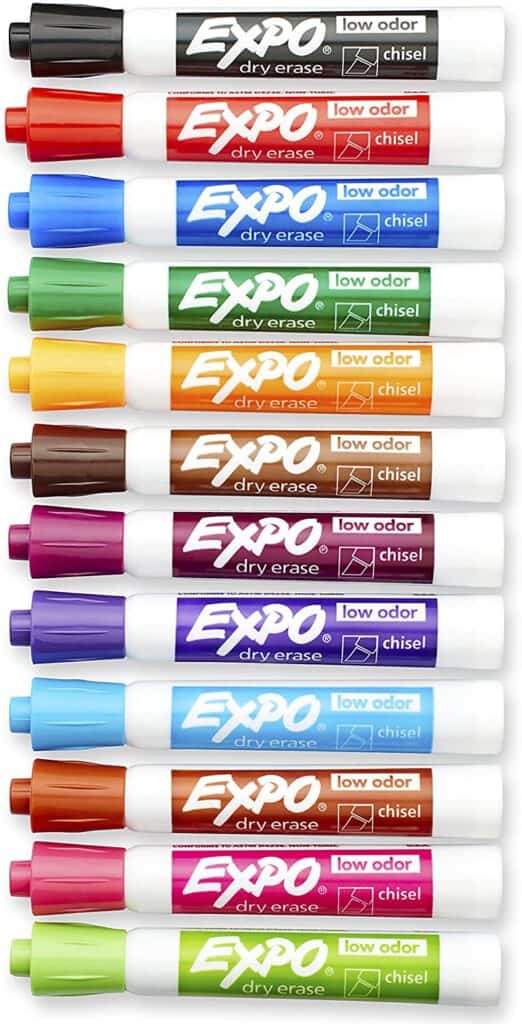
11. Dry Erase Markers

My Favorite Money Saving Amazon Finds for Teachers

Dry erase markers are so helpful in the classroom for so many reasons. Use them to write on whiteboards, have students use them with dry-erase pockets, and use them for dry-erase labels. There are usually big sales on these for back-to-school so it’s a good time to stock up.

I love that they come with different tips. I like the chisel tip for writing on the whiteboard but suggest the fine tip for students to use. Some of the new markers even have small erasers on the top which is super helpful for students to use. Some teachers also use a glue gun to attach pom poms to the bottoms of the markers for handy erasers too.

You might want to consider using makeup remover pads for student erasers too. They’re perfect for little hands and you can easily throw them in the washing machine when they get too dirty.

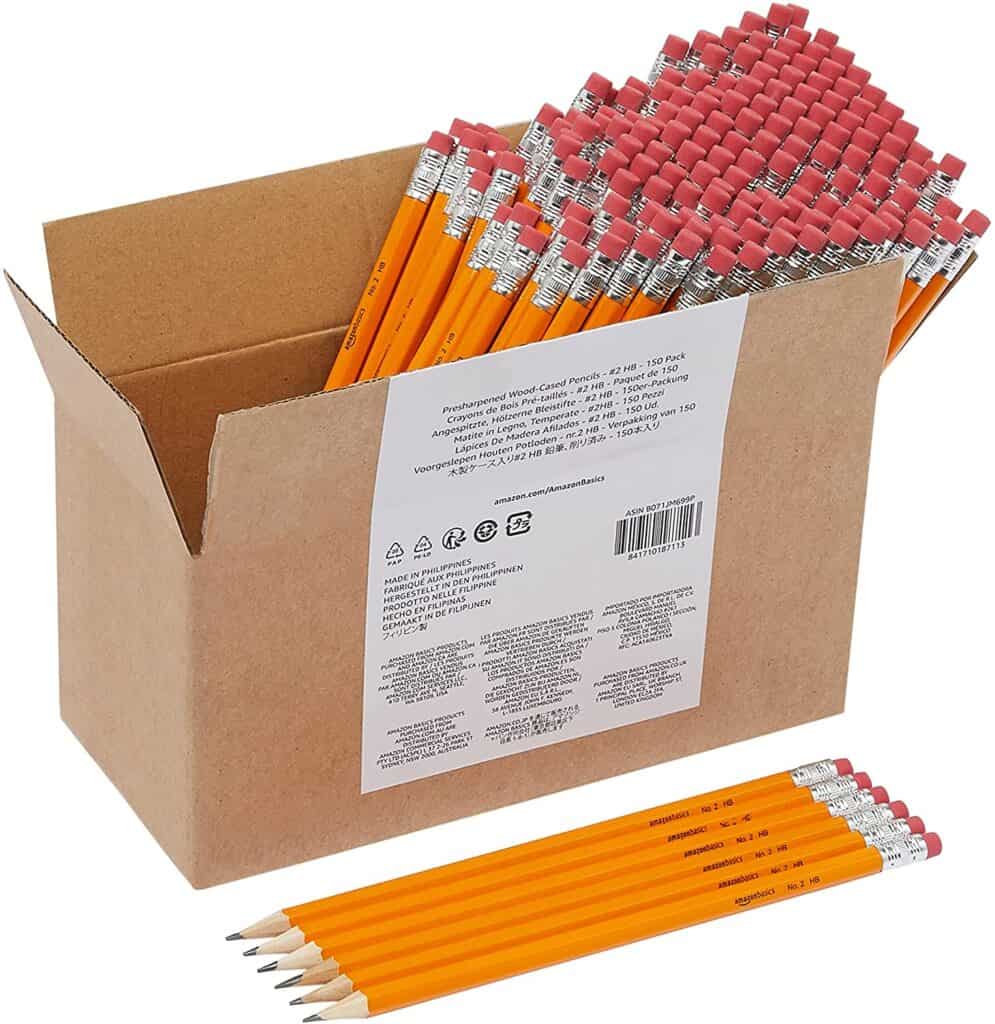
12. Presharpened Pencils

All teachers know there’s a mysterious black hole in every classroom where pencils disappear every day. Seriously though, students lose pencils all the time and it seems like you can never have enough of them. I love these pencils from Amazon basics because you get 15 of them for a really great price. The best part is that they’re already pre-sharpened! Such a huge time saver and one of My Favorite Money Saving Amazon Finds for Teachers.

13. Ten Drawer Rolling Cart

There are so many uses for these rolling carts in your classroom. Use them to organize math centers and math manipulatives. Store all your craft items or classroom supplies in them. Use them for class snacks and drinks. Organize all your colored and printer paper in them.

These are also great for organizing all your papers. You can use 5 of them for the days of the week. The remaining 5 drawers would be great for papers to copy, grade, and file with an extra 2 drawers for anything you want.

There are lots of options to use these at home too – especially for homeschooling families. The possibilities are endless.

I love the bright colors and you can also get them in all white or all black. The drawers are easy to remove too so you can easily stock or move your supplies when you need to. Plus the cart is on wheels so you can easily roll it to different locations in your classroom.

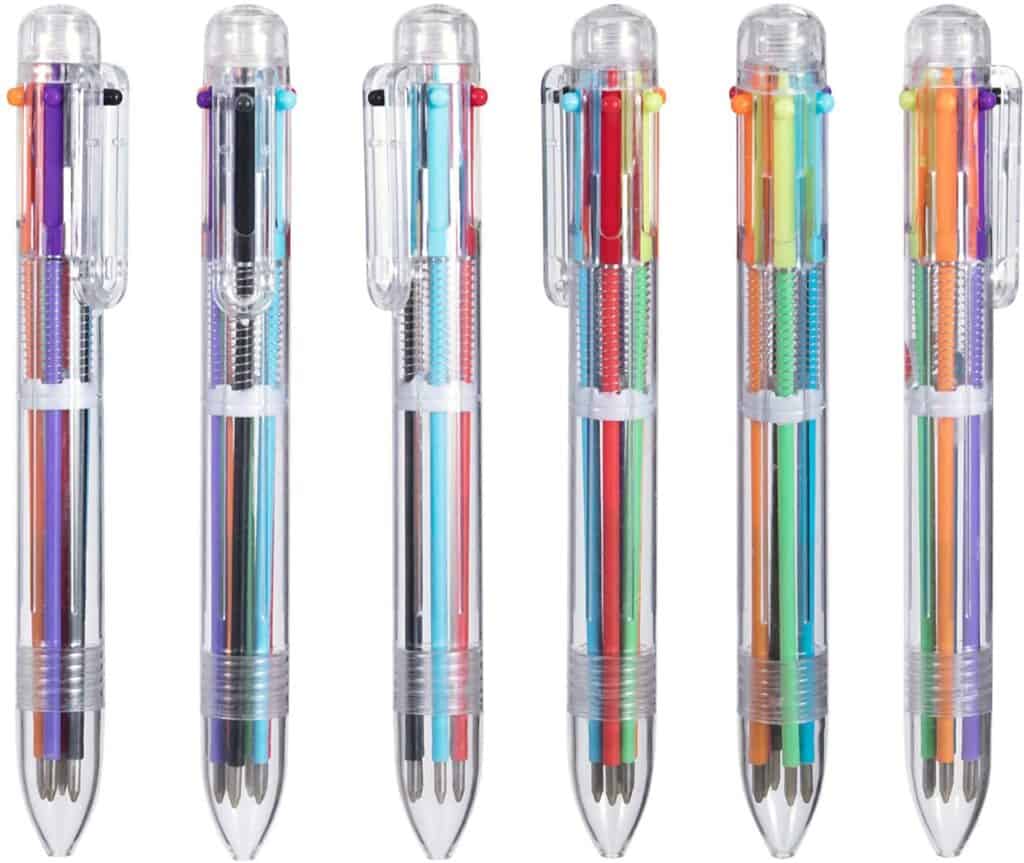
14. Multi-Color Ballpoint Pens

These multi-color pens are great for grading papers or for writing in teacher planners because you have 6 different ink colors in one pen.

I also love these for student gifts at the end of the year or as prizes for good behavior or winning some sort of curriculum-based game. They could also be a fun party favor for goodie bags. They’re also helpful for students taking color-coded notes or journaling.

Great for teachers and students which makes them one of My Favorite Money Saving Amazon Finds for Teachers.

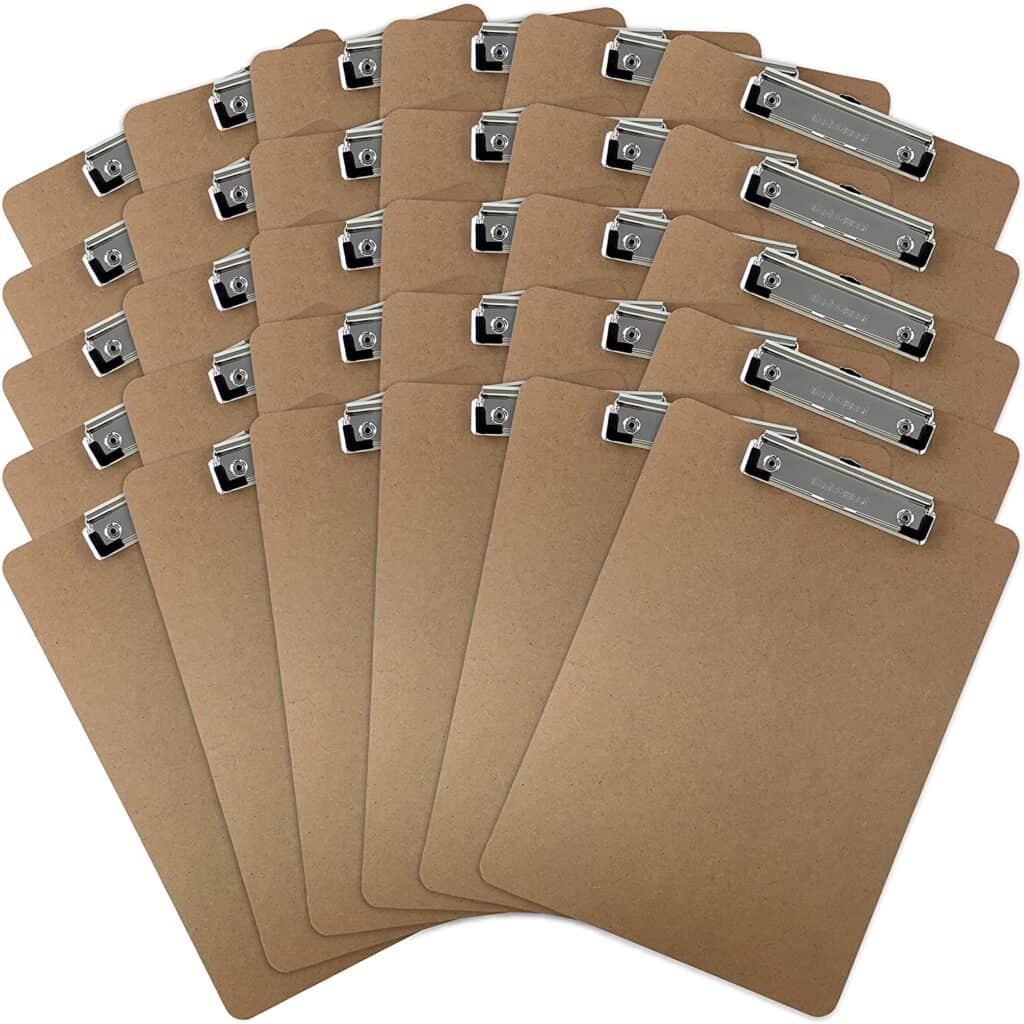
15. Student Clipboards

These student clipboards are great for when students need a good writing surface away from their desks. They’re great for scavenger hunts, task card activities where they have to move around the room to find questions, and field trips too.

The flat clip makes them easy for students to use and they’re the perfect size for worksheets and printables.

You can even add dry erase self-adhesive sheets to use them as both a mini whiteboard and clipboard too.

16. Colored Pencils Class Pack

I love using colored pencils for older students in upper elementary and middle school grades but students who are aged 4 and above can use these too. This is a great class set because it has 240 pencils in 12 different colors. I love that it also includes 12 different sharpeners too.

You can either store them in this box or wrap 12 pencils in a rubber band and give them to your students to use. You should have enough pencils for 20 students if you bundle them with a rubber band.

These colored pencils are great for so many different art projects, color-by-code activities, coloring sheets, or note-taking. This class pack is much more cost-effective than purchasing individual packs too.

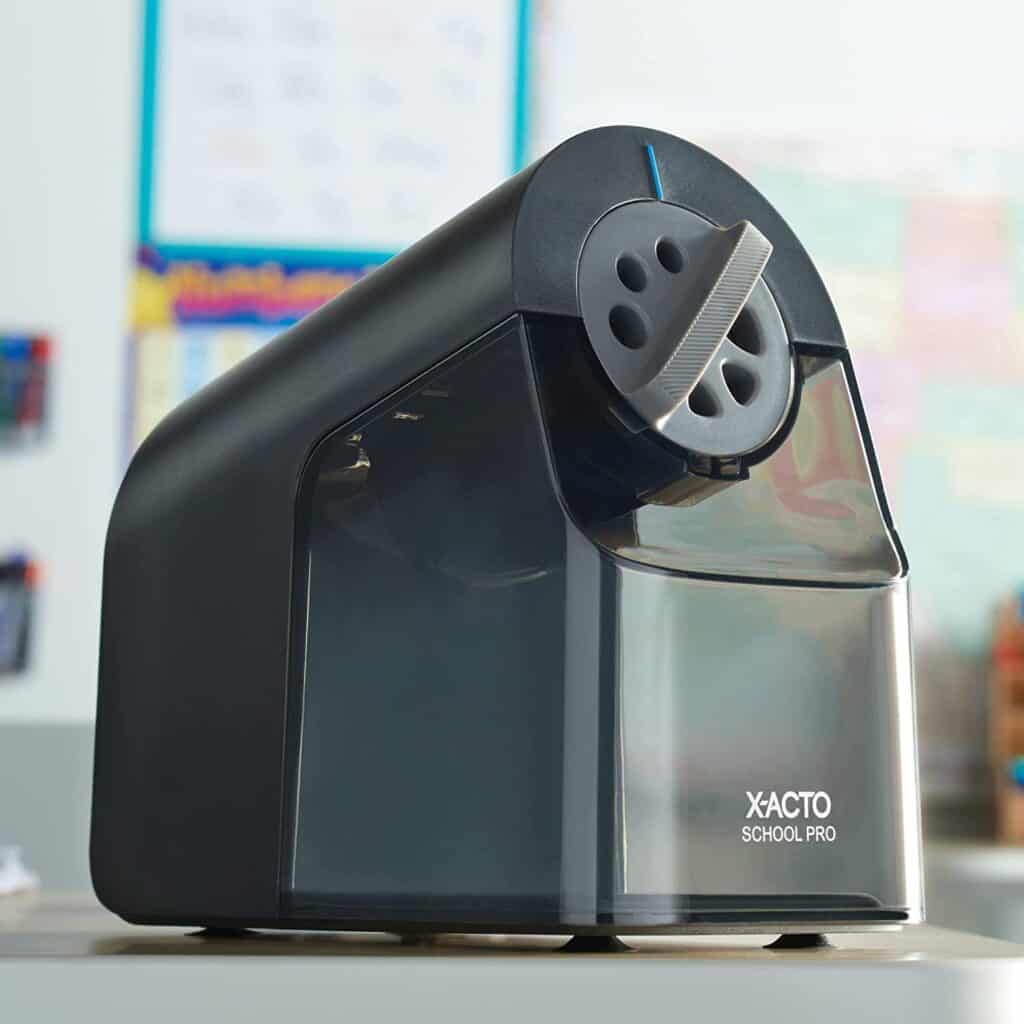
17. Electric Pencil Sharpener

I’ve tried many different electric pencil sharpeners over the year and this is by far the best. It’s relatively quiet compared to other models I’ve tried so it’s not super disruptive when students need to sharpen their pencils.

It also automatically stops sharpening when the pencil is sharpened preventing students from sharpening until the pencil is left to a tiny nub. It’s adjustable for 7 different pencil sizes too. It’s also great for colored pencils too. The shavings bin is really big so you won’t have to empty it that often and it’s sturdy so students can empty it too. There are suction cups on the bottom too so it doesn’t move around the table or desktop when you’re using it.

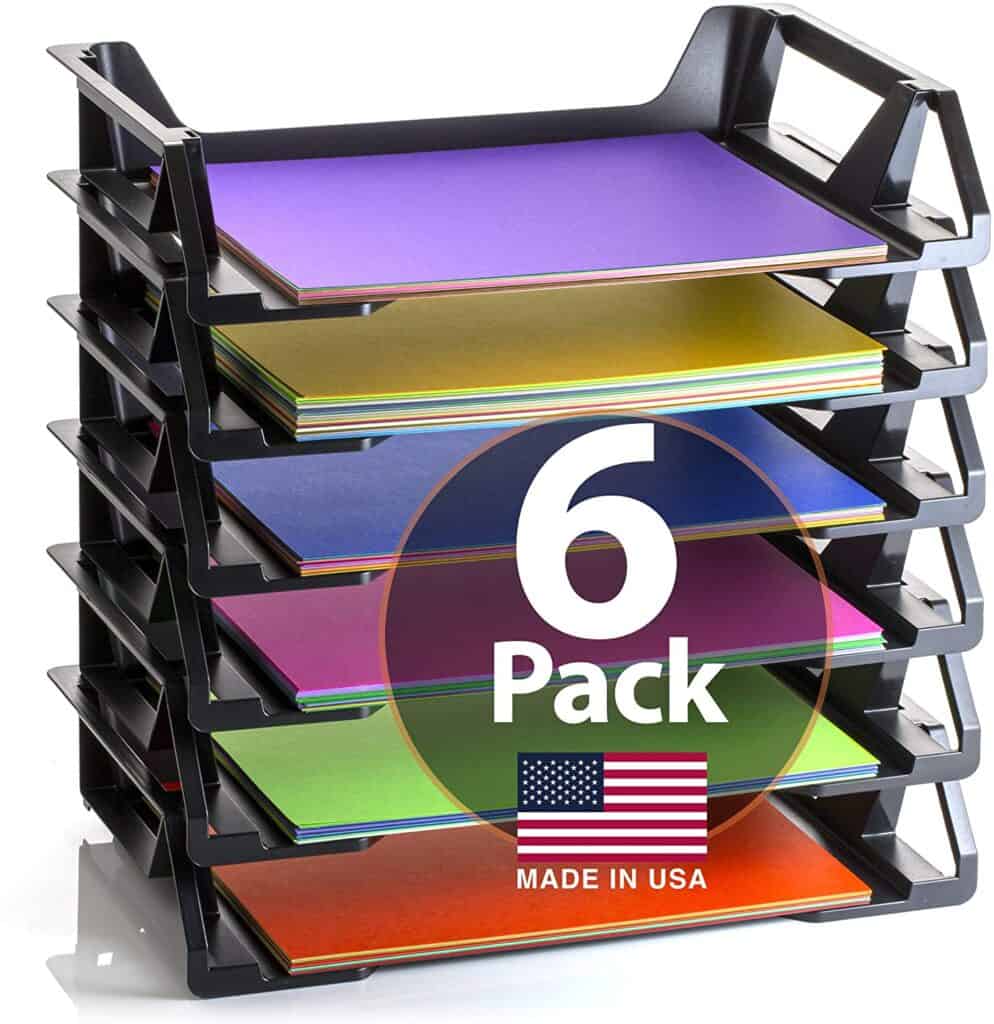
18. Stackable Letter Tray

This stackable letter tray is perfect for organizing papers on your teacher’s desk. I used these to organize my papers like school calendars, schedules, sub plans, lunch menus, parent contact information, lunch duty calendar, and anything that came from the school. Basically anything that I’d need often and wanted to be able to easily grab.

They could also be used to organize student papers as well. They’re stackable so you could also use them to organize and store colored papers too.

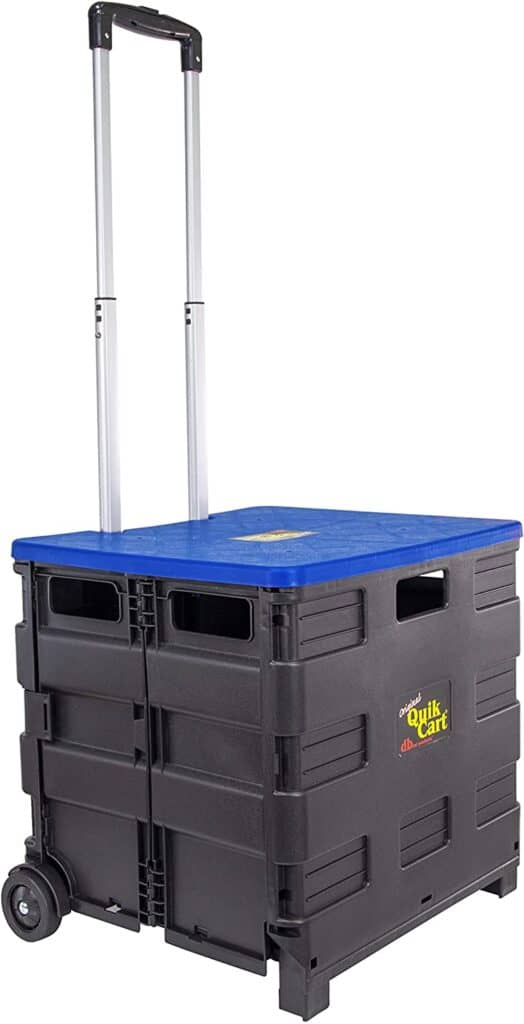
19. Rolling Crate

When I first started teaching, my school provided math workbooks for students to use. Once a week I collected the workbooks to check and grade the work that students had done. I had 30 students in my class and the workbooks were heavy so they wouldn’t fit in a regular teacher bag.

This rolling crate is perfect for bringing books, notebooks, folders, or workbooks back and forth to school. It’s so sturdy that you can sit on it or even use it as a step stool in your classroom. The long handle means you can also stack things on top making it easy to move baskets, bins, and boxes to and from your classroom at the beginning and end of the school year.

When you’re not using it, the lid comes off and it becomes collapsible for easy storage. You can also find it in other colors too.

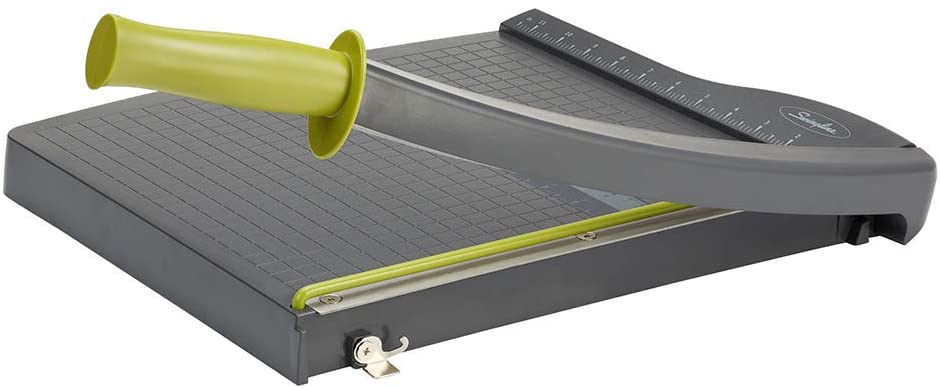
20. Paper Trimmer

This paper trimmer is such a huge time saver because you can cut 10 pages of paper at a time. The blade is 12 inches long so you can cut regular or scrapbook-size paper.

It’s helpful for cutting task cards, bulletin board items, name tags, labels, or craft projects.

The blade is very sharp so I’d suggest keeping it under or behind your desk so students aren’t tempted to try it.


I hope these are all helpful for you and your students! Feel free to contact me if you have other ideas for great Amazon products for your classroom.


Filed Under: Back to School, Classroom Organization Tagged With: Amazon finds for teachers, amazon in the classroom, Amazon products for school, my favorite money saving amazon finds for teachers

3 Ways to Plan Lessons with Digital Planners

March 9, 2022 by Sheila Cantonwine

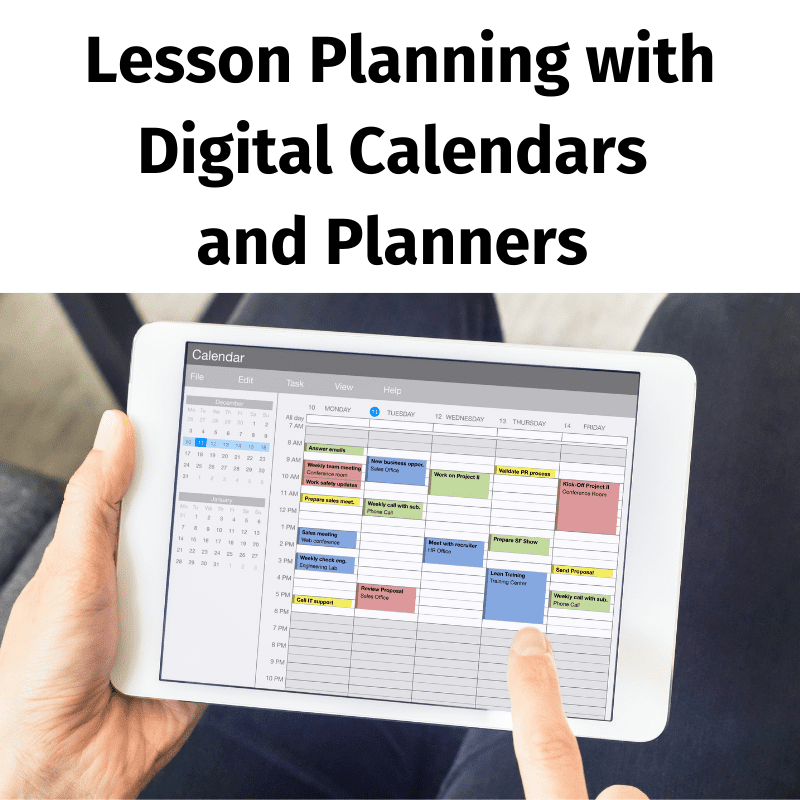
Lesson Planning with Digital Calendars and Planners

There are so many advantages to doing your lesson planning with digital calendars and planners. I found 3 ways to plan lessons with digital planners but there are many other options as well.
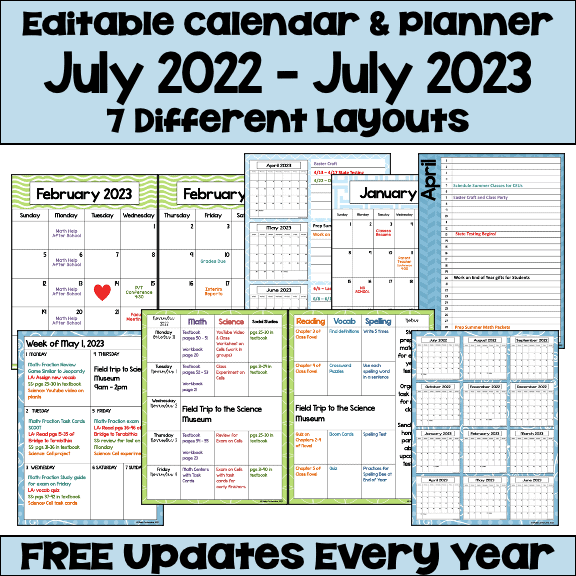
Using digital calendars and planners in the classroom is great for organizing all your lesson plans. You can print them and handwrite all your lesson plans with your favorite flair or gel pens. Or you can keep them digital and type your lesson plans in PowerPoint or Google Slides.

Digital planners are also great for keeping records of your previous year’s lesson plans. You’ll always have a digital record of your plans from year to year to refer to for upcoming years. You can even copy and paste from one year to the next.

Administrators are also requesting digital copies of lesson plans more and more since the pandemic. Using digital planners is a great way to easily submit your lesson plans weekly, monthly, quarterly or yearly.

You might also be interested in Tips and Tricks for Editing Your Digital Calendar and Planner

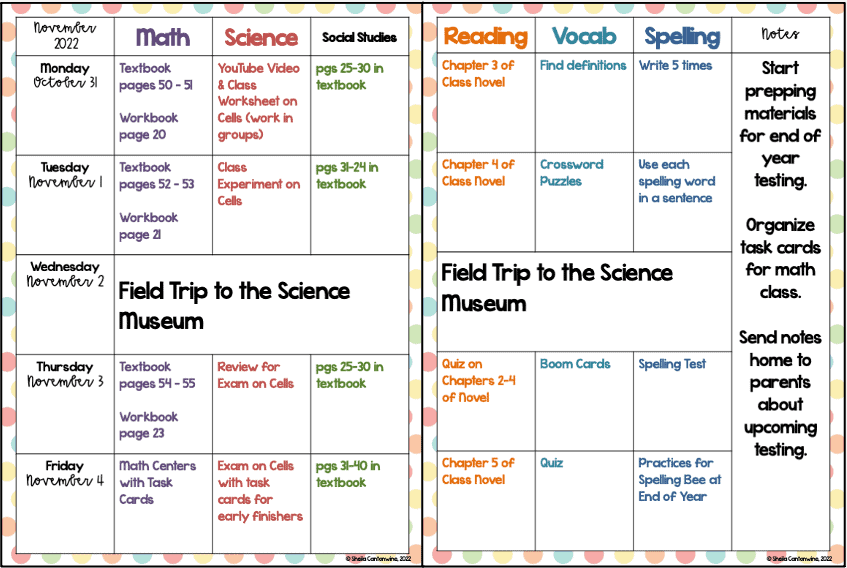
1. One Week Over Two Pages

3 Ways to Plan Lessons with Digital Planners

This is one of my favorite ways to write lesson plans. There is room for all the blocks in your day. The layouts are very flexible. For elementary school, you can use the different blocks for the subjects that you teach each day. For middle school, you can use the different blocks for the classes that you have.

I love color-coding everything so it’s easier to visualize too. For me, I color code by subject but it’s flexible in the colors you choose. You’ll be looking at your planner all day, every day, so customize it for you.

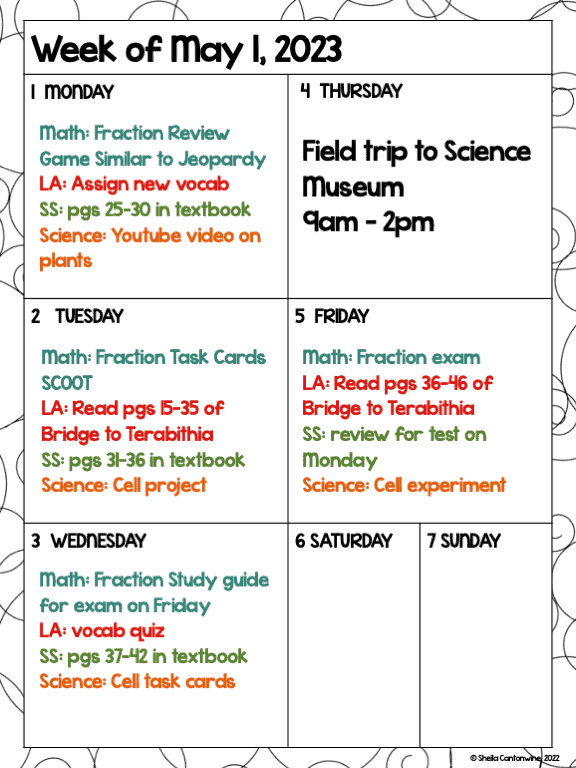
2. One Week Over One Page

3 Ways to Plan Lessons with Digital Planners

If you like to see one week at a time then maybe this layout is the one for you. You have plenty of room to type or handwrite your lesson plans for the week. Plus, you can color-code your subjects or classes as I did here.

Each day has a little less room (maybe a line or two) compared to the one week over two pages. Keep that in mind if you have a lot to write or type on your lesson plans.

When you use digital planners, you can customize your colors and fonts to make them personalized for you. I love changing fonts and colors every year just to switch things up a bit.

3. One Month Over Two Pages

3 Ways to Plan Lessons with Digital Planners

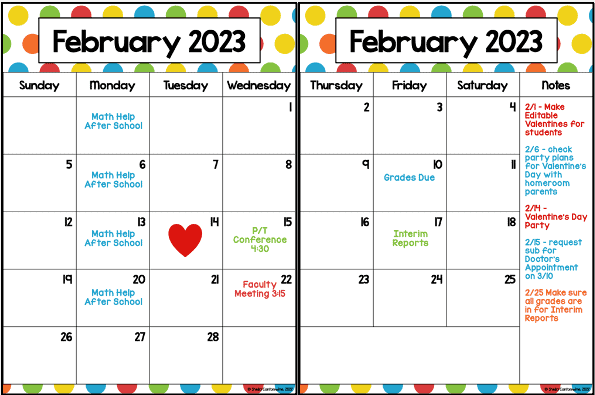
I love using this for lesson planning when I have recurring entries like math help, lunch duty, or faculty meetings. With digital planners, you can easily copy and paste the same entry to multiple days in a matter of minutes.

I love to use digital stickers and clipart where I can. It makes my planner personalized and it makes me happy to see those little touches.

These are just a few options for lesson planning with your digital planners. If you’re interested in checking out these planners, click on the images below to see more. You can also reach teacher reviews and see how others are using these in their classrooms.

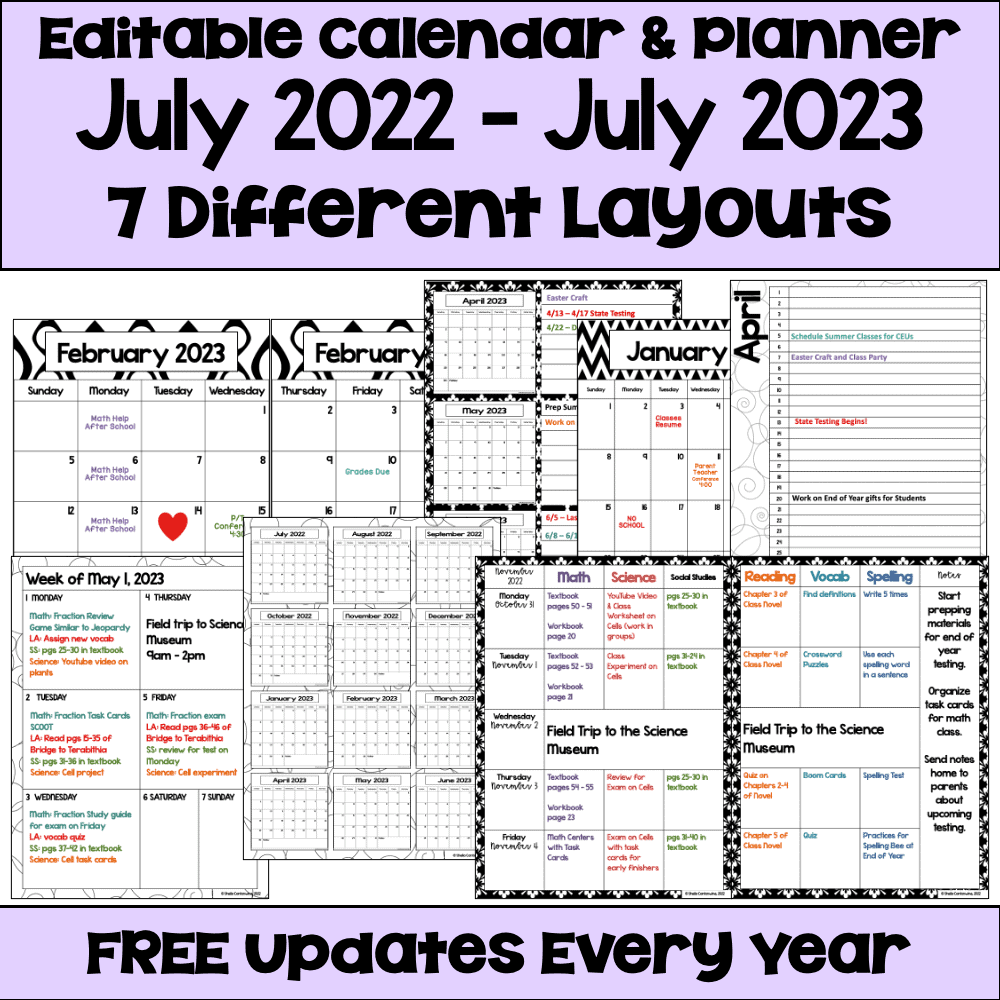
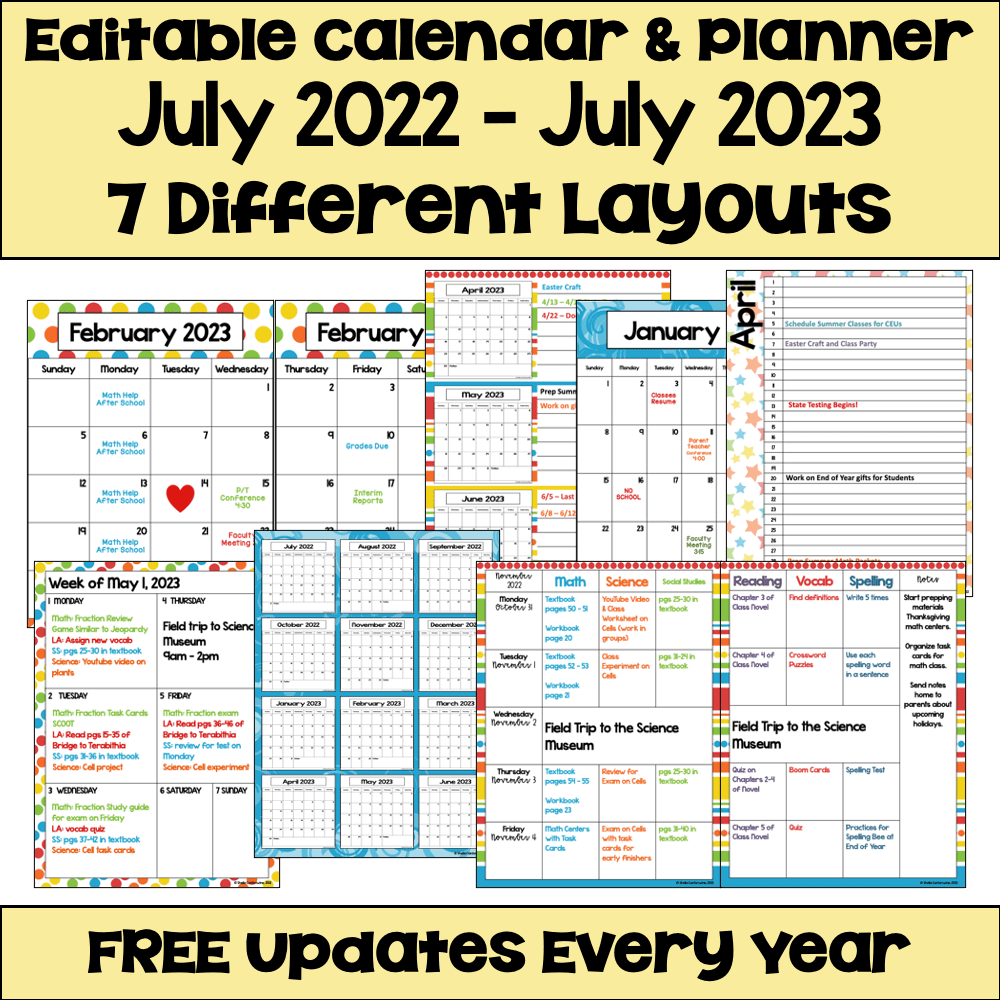
As an added bonus, these calendars and planners update every year for free. When you purchase these from my store, you’ll be able to download future years at no additional cost to you. If you’re interested in new designs or layouts, please contact me. I love product requests and I love hearing from my fellow teachers.

I hope these 3 Ways to Plan Lessons with Digital Planners have been helpful for you. Best wishes as you plan your lessons!

Filed Under: Classroom Organization, Digital Resources Tagged With: Digital calendars, Digital Planners, teacher calendar, teacher planner, using digital planners in the classroom

Primary Sidebar

About Me Image

I love helping teachers everywhere by providing quality resources and practical tips for the classroom. I know how stressful teaching can be and I'd love to make your job just a little easier.

All the best, Sheila

  • Email
  • Facebook
  • Instagram
  • Pinterest

Search

Recent Blog Posts

Infuse Magic & Merriment in Your Classroom with Christmas Bingo

A Christmas Multi-Digit Multiplication Bundle They’ll Love!

Thanksgiving Dinner Math Project – Based Learning for Grades 5-7

Free fraction worksheets

Free Fraction Worksheets

Footer

  • Email
  • Facebook
  • Instagram
  • Pinterest

© Sheila Cantonwine 2024 | Privacy Policy & Affiliate Disclaimer

Copyright © 2026 · Foodie Pro Theme on Genesis Framework · WordPress · Log in