

Creating multiple choice options for Boom cards is a lot of fun! Check out this fun webinar I did with the folks at Boom Learning. Just click on the image above to see the webinar on You Tube. In the webinar you’ll learn how to create some basic boom cards with PowerPoint. Then I’ll show you how to upload them to the Boom Learning website. Finally, I’ll cover multiple choice options in Boom Learning. In addition to creating multiple choice options for Boom cards, you can also create fill in the blank, drag and drop, as well as a couple other options that make your Boom cards interactive for your students.
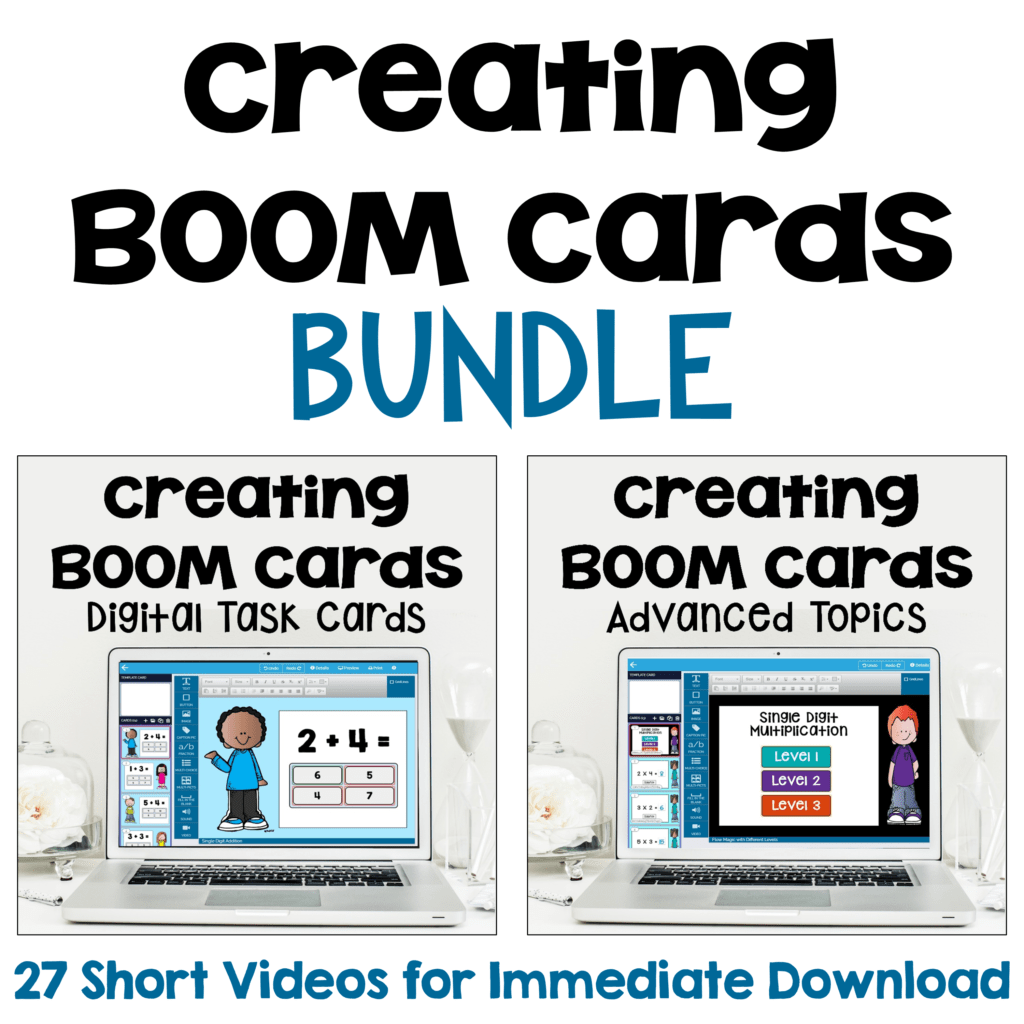
You might also be interested in my video course on Creating Boom Cards. The videos and checklist covers everything you need to start creating your own Boom cards to assign them to your students. You also have the option to sell them on Teachers Pay Teachers and the Boom Learning website.
Here are some of the other topics you’ll learn in the into course:
• Step 1 – Planning your BOOM Cards on Paper
• Step 2 – Creating PowerPoint Slides for Your BOOM Cards
• Step 3 – Uploading Images to BOOM Learning
• Step 4 – Multiple Choice Responses, Fill in the Blank Responses, Click the Correct Answer Responses, and Drag & Drop Responses
• Step 5 – Previewing the BOOM Cards
• Step 6 – Square Covers
• Step 7 – Completing the Details & Publishing BOOM Cards
• Step 8 – Teacher Notes for Teachers Pay Teachers (TpT) Listing
• Step 9 – Preview File
• Step 10 – Thumbnail Images
• Step 11 – Product Description
• Step 12 – Listing Your BOOM Cards on TpT
Here are the topics covered in the Advanced Course:
• Lesson 1 – Uploading Fonts to Boom Learning
• Lesson 2 – Custom Colors
• Lesson 3 – Using Sound with Your Voice Recordings and Free Sound Clips
• Lesson 4 – Video
• Lesson 5 – Fractions in Boom Learning and PowerPoint
• Lesson 6 – Flow Magic with Different Levels and Student Options
• Where to Go for Help
“I’ve been lately been looking into different shade collections like deep summer and soft winter to better understand what flatters my skin tone. For those wondering \”what season am I\” or seeking the best colors for pale olive skin or red undertone skin, tools like the color analysis app can be very useful. If you’re interested, there’s a great 16 season color analysis quiz that goes further than the usual 4 seasons and makes it easier to discover the perfect shades, including options like the deep summer palette or soft winter palette [url=https://color-analysis-virtual.com/]app color analysis pro[/url] .
On a final note, if you’ve been using Color Analysis Pro but can’t figure out how to cancel your subscription, several users have found it quite frustrating. You can most often cancel color analysis pro or color analysis pro subscription via the app or website under account settings. It’s worth checking guides like \”how to cancel color analysis pro\” or \”colour analysis pro cancel subscription\” to stop any unintended payments. This should help those navigating both their color journey and subscription management!”