
Once you have spent lots of time creating and publishing your wonderful Boom cards, you want to make sure that teachers see them. That’s where marketing and advertising your boom cards come in. I’ve learned over the years to incorporate my marketing efforts into the product creation process. That way, you can start advertising and marketing your new creations as soon as they’re published.
Here are 5 tips I recommend for marketing and advertising your Boom cards:
1) Create a Video Preview for Your Product Listing on TpT
I like to create short videos, about 2 minutes long, that show the Boom cards being used. Once I have the videos in place, I can use them for the video preview on Teachers Pay Teachers (TpT). Teachers can then see all the Boom cards and what their students will be expected to do. You can check your TpT dashboard to see how many people are viewing your video previews just to see if they are being viewed. I’ve learned over the years that it has really helped with marketing.
If you can show that the Boom cards are self-correcting that will really help. Teachers are so pressed for time and having digital resources that are automatically graded can save precious time. Students also enjoy having resources that are self-correcting because they have instant feedback which helps them learn from their mistakes.
Below, you can find the video preview that I created for my Boom card listing on TpT for 2 Digit by 2 Digit Multiplication Boom Cards.
If you’d like more information about creating video previews, check out my Course on Marketing and Advertising Your Boom Cards.
2) Use the video for Instagram and Facebook posts
Once you’re comfortable creating video previews of the Boom cards in action, you can easily use those videos to create Instagram or Facebook posts. I like to use the Tailwind scheduler for this because it creates and schedules both Instagram and Facebook posts for me. Here’s an example of an Instagram post that I used a video for. It was a much better way for me to show the product in action rather than only having one static image of the Boom cards.
3) Create Pins for Pinterest
Pinterest is still my best marketing tool for my business. Whenever I create a new deck of Boom cards, I try to create 2 new pins. The first pin is a static pin that I can use for my Tailwind Communities and to schedule to Tailwind. The second pin that I create is a video pin. I use the video that I created for the video preview then just embed it into a pin template using Canva. Both types of pins have been really successful for driving traffic to both my TpT and Boom Learning stores.
Here’s an example of the video pin I created for a recent product. Here’s an example of the static pin I created for the same product.
4) Optimize Your Product Listing on TpT
When people ask about marketing their products, I also suggest they take a look at their product listings on TpT. It’s important to have everything in place so teachers have as much information as they can before buying your Boom cards.
To optimize your product listing I suggest you have:
- An eye-catching product cover. It’s helpful to have the Boom logo on the cover and mention that they are self-correcting digital task cards
- A preview with the Boom Preview link in place. Boom learning provides this link so people can view the first 4 cards in your deck. It’s a great marketing tool because they get to try before they buy.
- Thumbnail images that showcase the product and any unique features you may have
- Searchable title. Something like “Fun in the Sun Boom Cards” won’t be searched as much as “Summer Themed Multiplication Boom Cards”
- Product Description. Include what the students will be expected to do and how many Boom cards are included. There is also some information from Boom Learning that you should include in your product description too.
5) Optimize Your Product Listing on Boom Learning
Although the platforms are different, it’s equally important to optimize your product listing on the Boom Learning website.
To optimize your product listing I suggest you have:
- An eye-catching product cover. Since you don’t need to have the Boom logo or mention that they are digital task cards, this give you more room to showcase your Boom cards. For example, if I have a deck that covers all 5 strands of math standards, I might show all 5 of those Boom cards rather than just one.
- Provide helpful information in your details page. This includes your the grades, keywords, subject, and product description which is found in “about”. For the product description, I like to include what the student will be asked to do. For example, are the questions multiple choice, drag and drop, or will they be expected to type the answers.
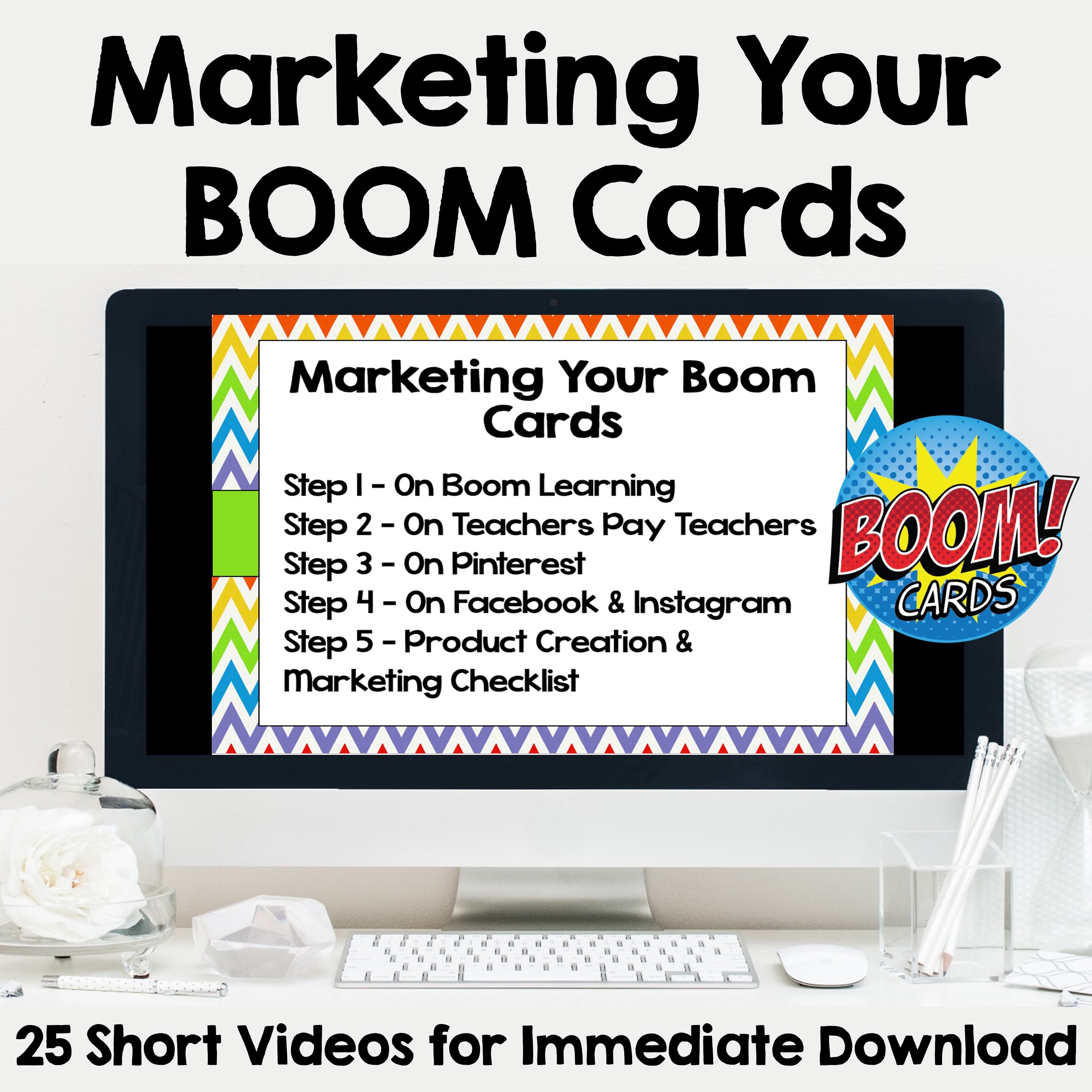
I hope these suggestions are helpful. To find out more about marketing your Boom cards, check out my course Marketing and Advertising Your Boom Cards on TpT.